
For accounting firmsEvery client.
Every client.
One dashboard.
Vegawize categorizes and reconciles every client's books automatically. Your team sees every client's open questions at a glance, watches for broken bank connections and unreconciled accounts, and exports to QuickBooks Online, QuickBooks Desktop, Xero, CSV and PDF.
Sample data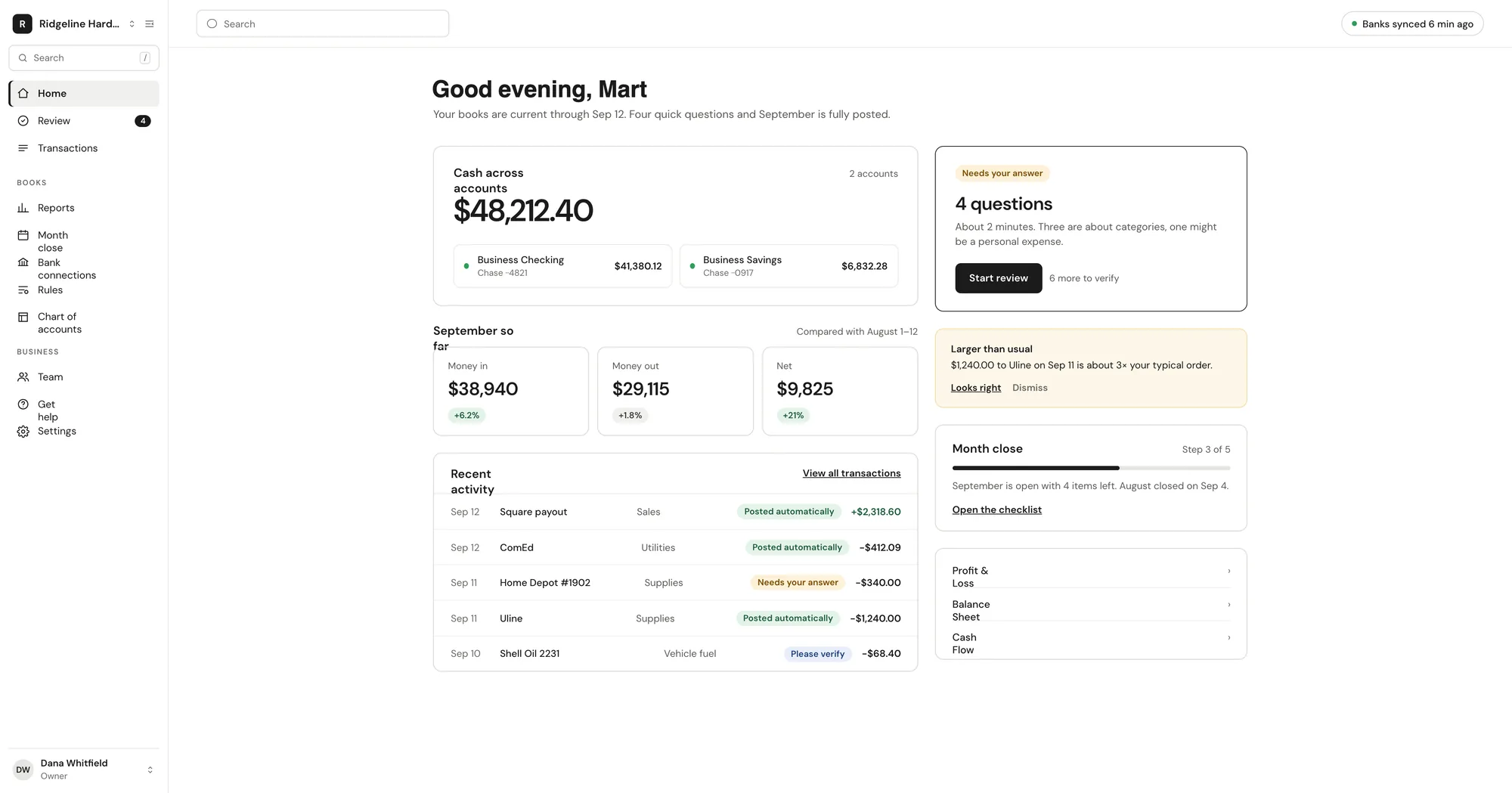
Your staff stop categorizing and start reviewing.
Client health at a glance
Every client on one dashboard: health, open questions, broken bank connections, unreconciled accounts and who owns the client.
Open questions in one list
See every client's open questions at a glance.
Copy rules across clients
Copy a rule from one client to any other, instead of rebuilding it one book at a time.
Exports your accounting software takes
Reports and the general ledger as QuickBooks Online, QuickBooks Desktop (IIF), Xero, CSV and PDF. Closed months are locked, so what you exported is what was filed.
Team roles and assignments
Admin and Bookkeeper roles, with a bookkeeper on your team assigned to each client. Filter the firm dashboard by bookkeeper.
Owners stay in their own books
Your clients keep the Vegawize owner view and the Monday digest, so routine questions get answered without reaching you.
Firm pricing
Priced for a book of clients.
Firms are on the Custom plan. Tell us how many clients you carry and what your close looks like, and we will put a number on it. Owner plans stay priced by transaction volume.
1
Set up your firm
We set up your firm workspace — book a call.
2
Add a client
The owner connects the bank, or you upload a CSV. Starter rules and a chart of accounts for their business type are in place from the first import.
3
Work one list
Open questions, broken connections and unreconciled accounts across every client, in one place.
Questions firms
ask us first
Does Vegawize do the bookkeeping for our clients?
No. Vegawize is software. It categorizes, reconciles and prepares reports. There is no Vegawize bookkeeping service.
How do clients move from QuickBooks?
Connect the bank and choose how far back to import, or upload a CSV of history. Vegawize does not import from or sync with QuickBooks.
What does the client see?
Their own Vegawize books, the verify list and the Monday digest. Clients do not see your firm dashboard.
How is firm pricing structured?
Firms are on the Custom plan. Talk to us with your client count and we will quote it. Owner plans are priced by monthly transaction volume.
Which exports do you support?
Reports and the general ledger as QuickBooks Online, QuickBooks Desktop (IIF), Xero, CSV and PDF. Closed months are locked.
Get startedBring your clients.
Bring your clients.
Keep your evenings.
Add a client, connect their bank and see the first month categorized.